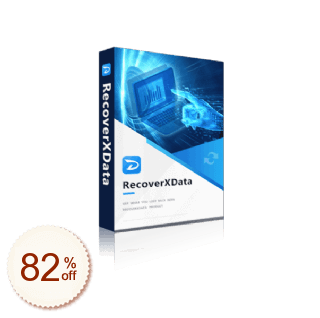
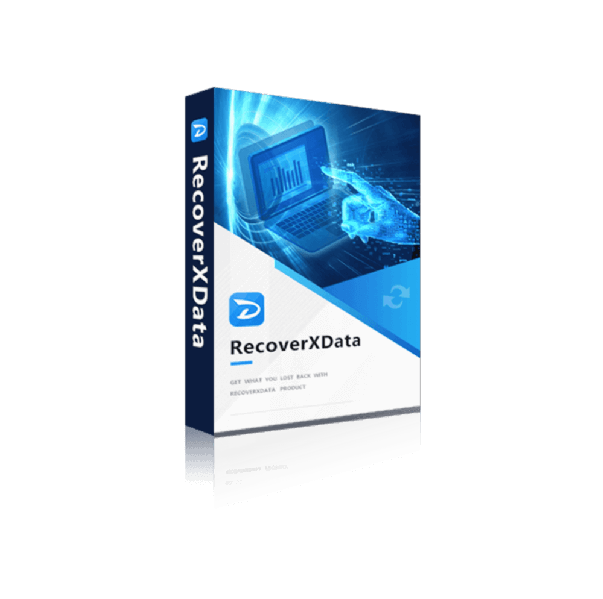
RecoverXData
現在利用できるお得情報はありません。無料プランを試すか、公式サイトをご確認ください。
- 1
 EaseUS Data Recovery Wizard Professional50% Off
 - 2
 Tenorshare 4DDiG30% Off
 - 3
 DMDE Data Recovery15% Off
 - 4
 EaseUS Fixo75% Off
 - 5
 UFS Explorer Standard Recovery15% Off
 - 6
 UFS Explorer RAID Recovery15% Off
 - 7
 4DDiG File Repair30% Off
 - 8
 Wondershare Dr.Fone29% Off
 - 9
 EaseUS Data Recovery Wizard for Mac50% Off
 - 10
 DiskGenius20% Off
紛失または削除されたファイルをさまざまなメディアデバイスに復元します。
誤ってデータを削除しましたか?これが最良かつ最も効果的なソリューションです。RecoverXDataは、Windowsコンピューターを実行するプロフェッショナルデータ回復ソフトウェアです。コンピューターのハードドライブ、ごみ箱、失われたパーティション、外付けドライブ、SDカード、フラッシュドライブなどから失われたデータを回復するように設計されています。ファイルが削除されたり、ごみ箱に空になったり、失われたパーティションで消えたりしても、RecoverXData で簡単にスキャンして復元できます。
主な機能
1.誰にとってもシンプルで簡単な GUI
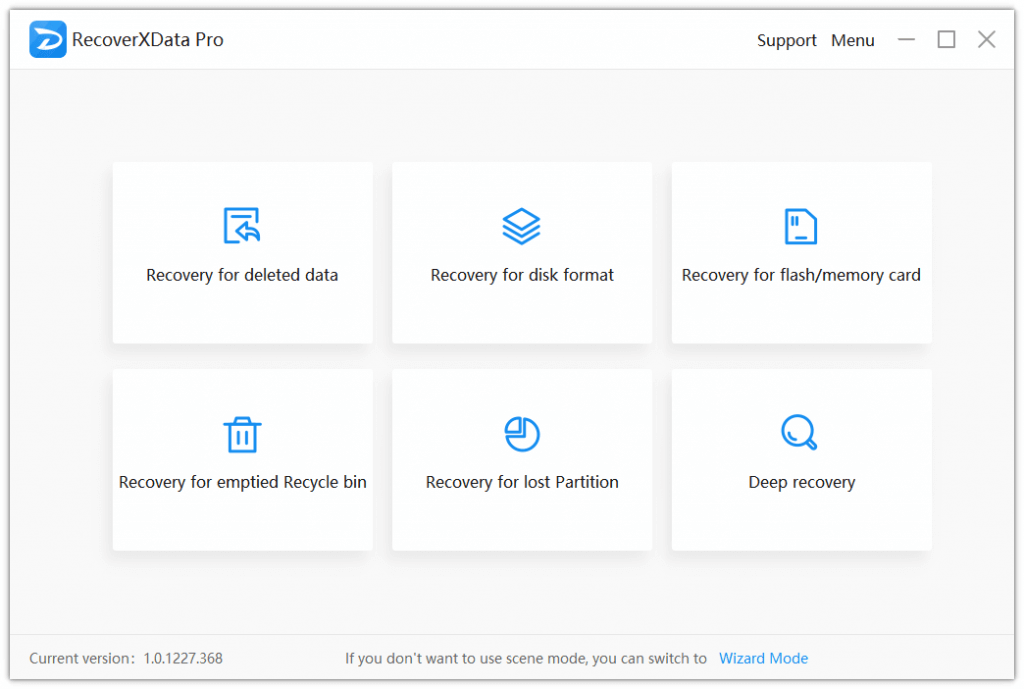
デフォルトのシーンモードや直感的なウィザードモードでは、コンピューターオタクである必要はありません。数回クリックして待つだけで、失われたデータを回復できます。サポートされているシーンには以下が含まれます。
-削除されたデータのリカバリ。
-ディスクフォーマットのリカバリ。
-フラッシュ/メモリカードのリカバリ。
-空になったごみ箱の回復
-失われたパーティションの回復。
-ディープリカバリー。
2.PCおよびリムーバブルドライブ上のすべての一般的な種類のファイルの回復をサポートします。
PCに接続されているあらゆるブランドおよび記憶媒体(CD/DVD/VCDを除く)のほぼすべての種類のファイルを復元します。たとえば、PDF、DOC、DOCX、PPTX、PPT、LOG、JPG、PNG、MP4、MP3、MOVなどのファイルタイプや、サンディスク、シーゲイト、ウエスタンデジタル、東芝、日立などのストレージメディアブランドがあります。
3.失われたデータを簡単にターゲットにできます。
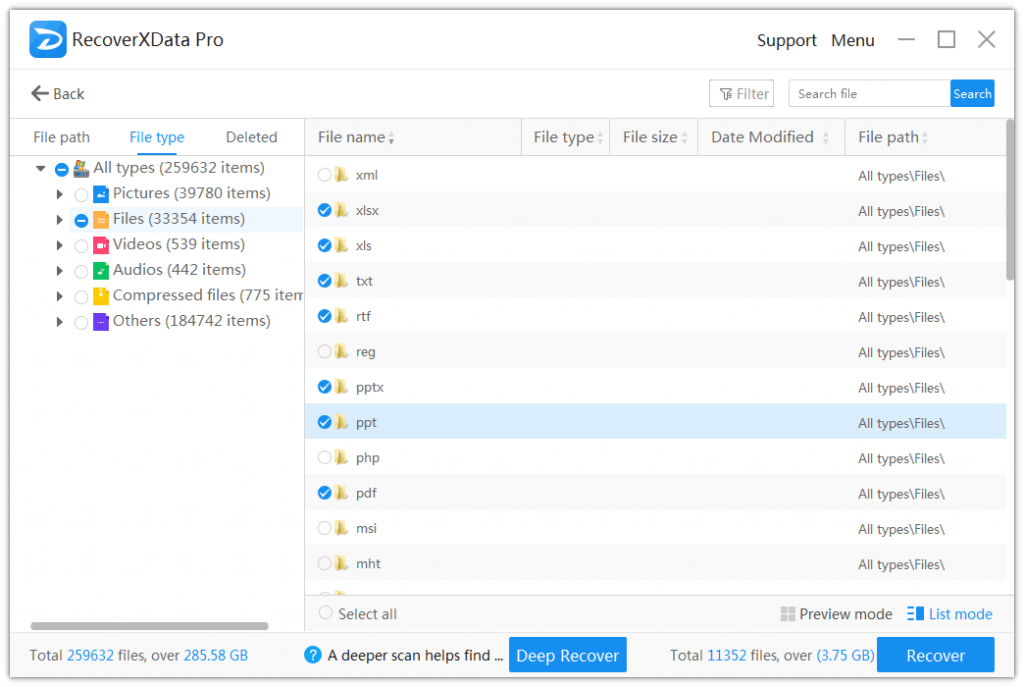
スキャンしたら、ファイルパス、ファイルタイプ、削除されたファイルをフィルタリングすることで、失われたデータを簡単にターゲットにできます。また、ファイル名で検索することもできます。また、画像や文書ファイルの場合は、30 MB 未満のものをプレビューできます。
4. 100% 安全で、元のデータに損傷や変更はありません
RecoverXData はドライブとデータのみを読み取り、元のドライブには書き込まず、データを安全なモードに保ちます。
5.迅速で信頼できる
シーンと場所を選択することで、クイックスキャンとディープスキャンのどちらを開始するかを選択できます。クイックスキャンを使用すると、失われたデータがないかディスクをすばやくスキャンできます。一方、ディープスキャンでは、データを詳細に分析してより多くのデータを検索できます。どちらも信頼性が高く効果的です。
